Utilization Summary Screen
The Utilization Summary screen is used to request the Utilization Summary report, which is used to review employees' usage of the XtreamService application. Using this report, managers can review the total number of leads that were sent to the integrated customer relationship management (CRM) application. In addition, managers can review the number of leads that were viewed using the XtreamService application or FOCUS in the Digital Retail Platform.
Note - The Utilization Summary report is only available for users with the role of Administrator.

|
To access the Utilization Summary screen, click the |
 (More) icon and then click the Utilization Summary link.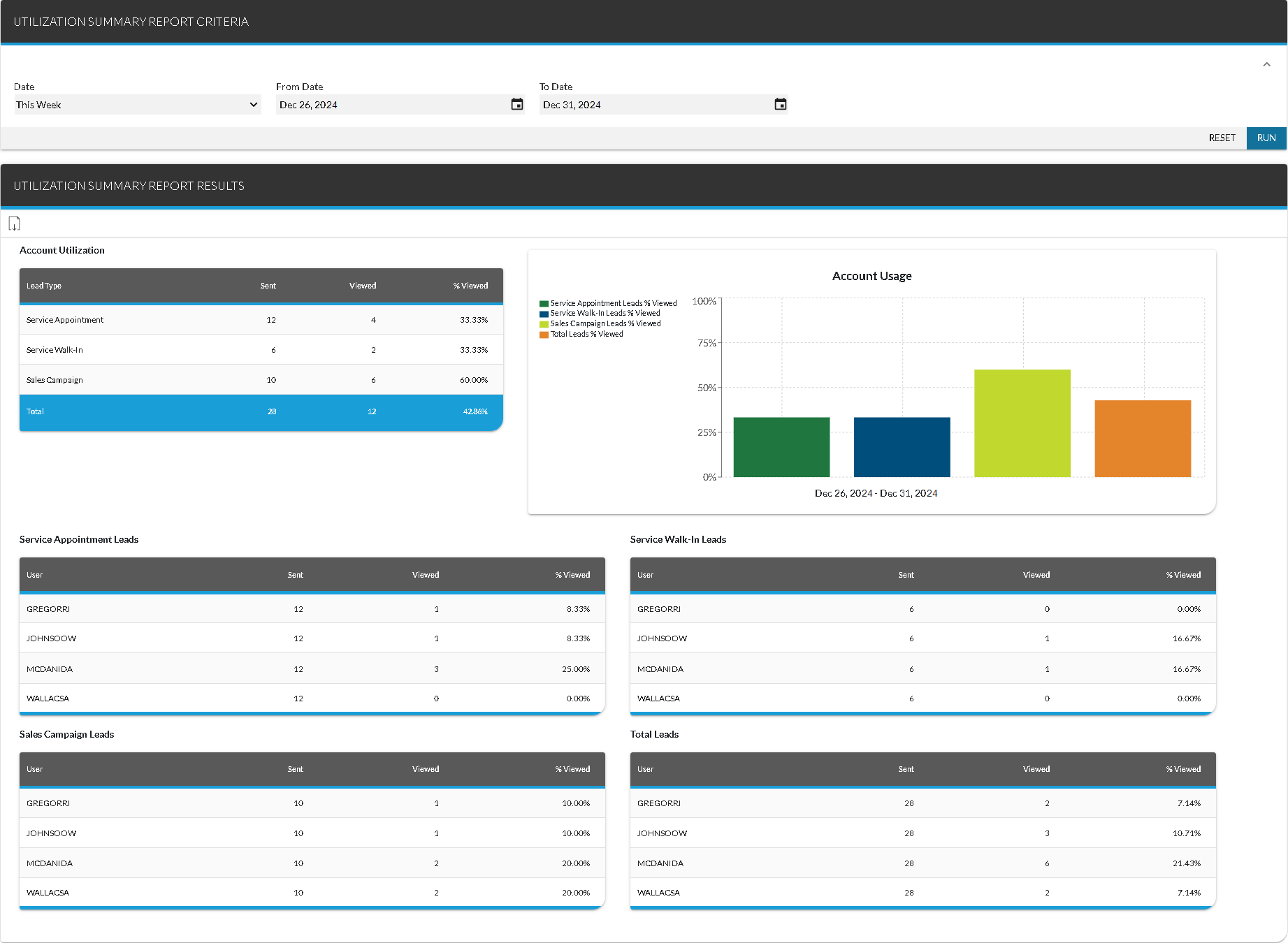
To request the Utilization Summary Report, make entries in the fields on the Report Criteria panel and click the RUN button. The report displays on the Report Results panel.
Click here for a list of products that may be mentioned in this help file.